How to Import Quizlet Sets into MintDeck (2026)
Move your Quizlet sets into MintDeck in a couple of minutes. Export from Quizlet, import the file, and study with real spaced repetition — free, no ads, no Learn-mode paywall.
We use cookies to analyze site traffic and improve your experience. Learn more
Step-by-step guides to master MintDeck, plus articles on the science of effective learning.
Deep dives on spaced repetition, memory, and study techniques backed by cognitive research.
Move your Quizlet sets into MintDeck in a couple of minutes. Export from Quizlet, import the file, and study with real spaced repetition — free, no ads, no Learn-mode paywall.

Turn dead time into study time. MintDeck's Audio Study reads your cards aloud so you can review while commuting, walking, or working out — free, with on-device voices, no screen needed.

Move your existing Anki library to MintDeck without losing anything — cards, media, sub-decks, and your review schedule all come across. Plus how to bring Quizlet sets over via CSV.

Turn any spreadsheet — or a ChatGPT answer — into a MintDeck deck in seconds. The CSV format, the import steps, field mapping, and how to bring a Quizlet export across. Free and unlimited.

Keep a growing card collection usable: tag and annotate cards, add media and math, group decks into folders, and know when to split a deck. The organization features that scale with you — all free.

A complete, free study workflow in MintDeck — get cards in, review them with FSRS spaced repetition, study hands-free with audio, and sync across devices. No credits required.

Set MintDeck up for a real goal — a setup recipe for cramming toward an exam date and another for a steady daily language drill, using daily goals, session controls, reverse cards, folders, and audio.

A plain-English tour of every MintDeck setting: your daily goal, reminders, voices, storage, iCloud sync, privacy, and credits — so you know exactly what each control does.

An honest, complete breakdown of MintDeck's pricing: the entire study engine is free, credits only buy optional AI. Here's exactly what each thing costs — and how to never spend a cent if you don't want to.

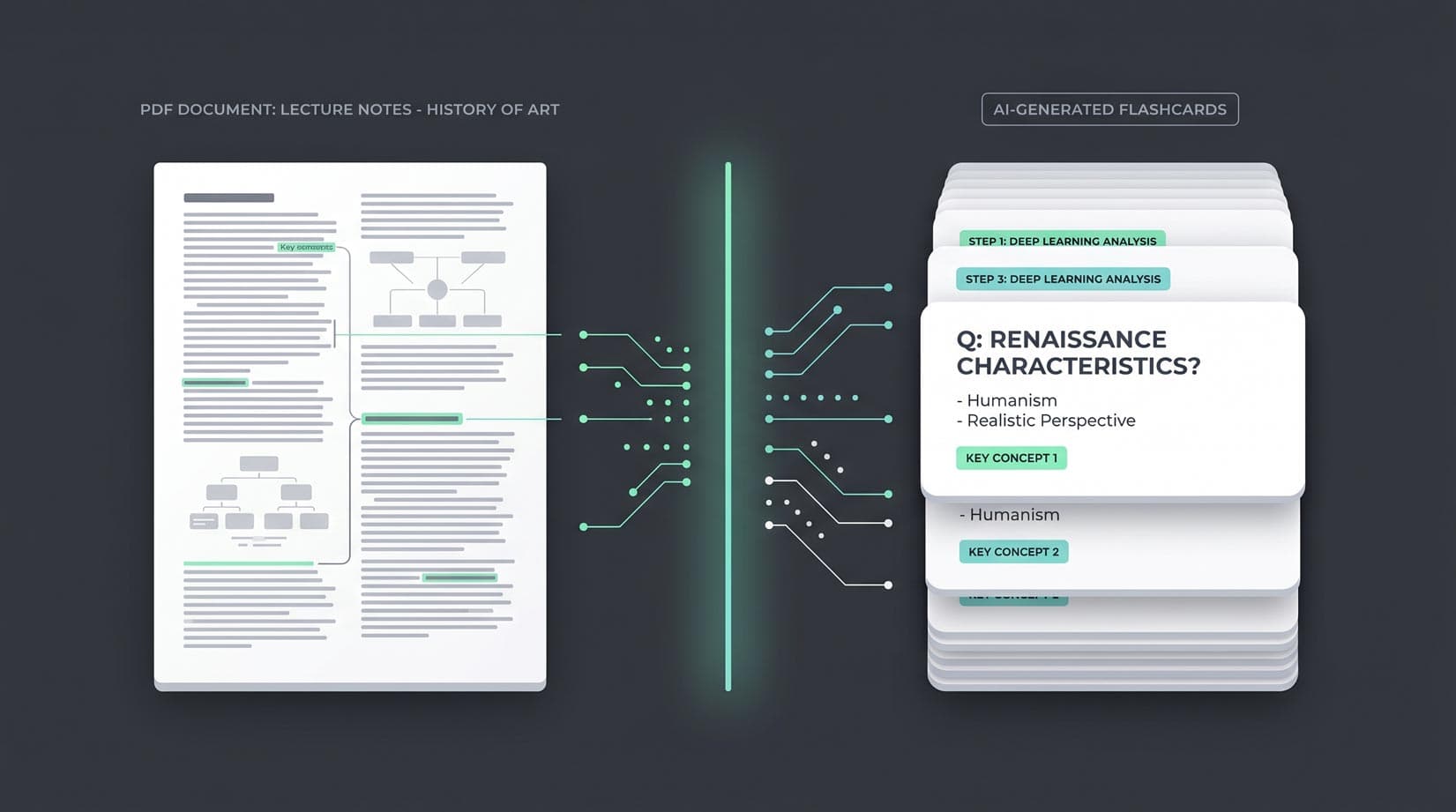
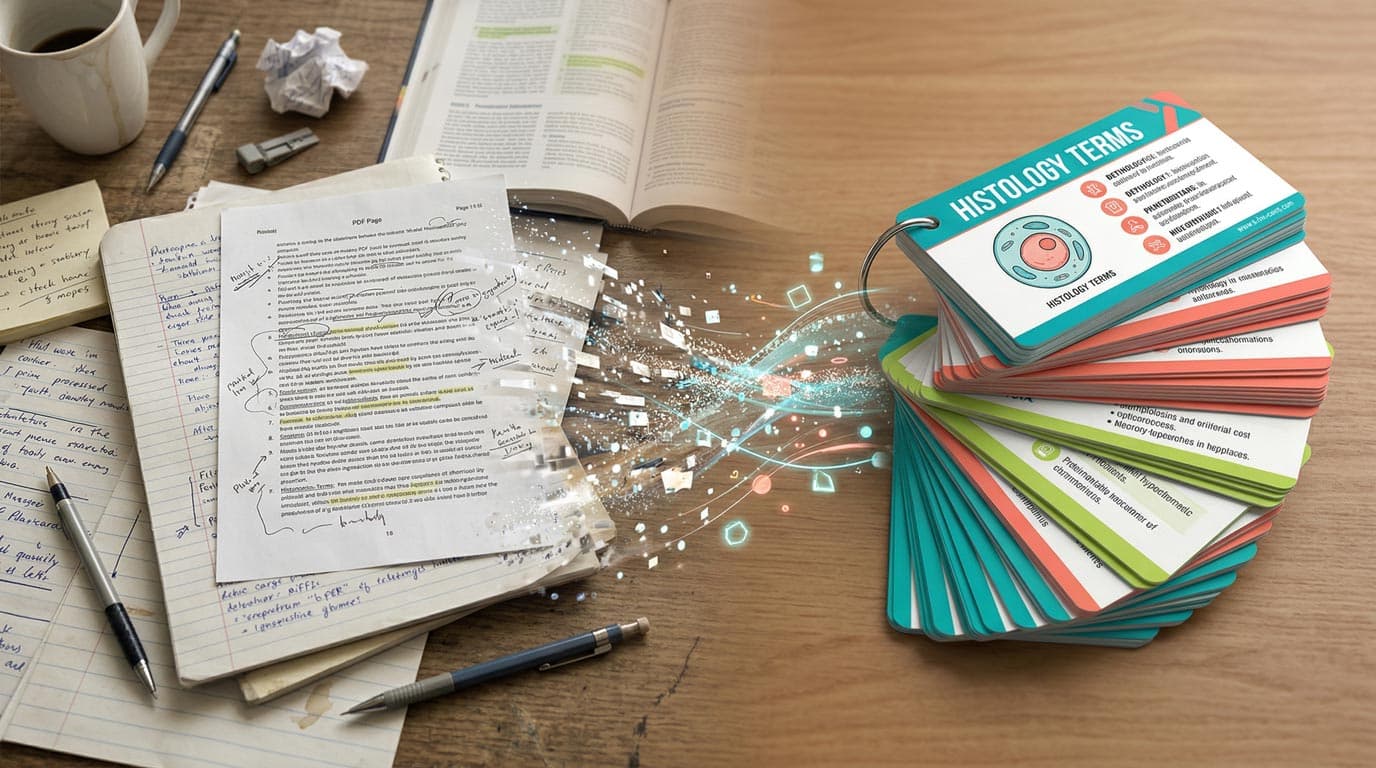
Turn textbook PDFs, lecture slides, and research papers into study-ready flashcard decks in under a minute. A hands-on 5-step guide with the common mistakes to avoid.

Learn how to create flashcards with AI in minutes — from pasting your notes to studying with spaced repetition. Free, no account required to start.