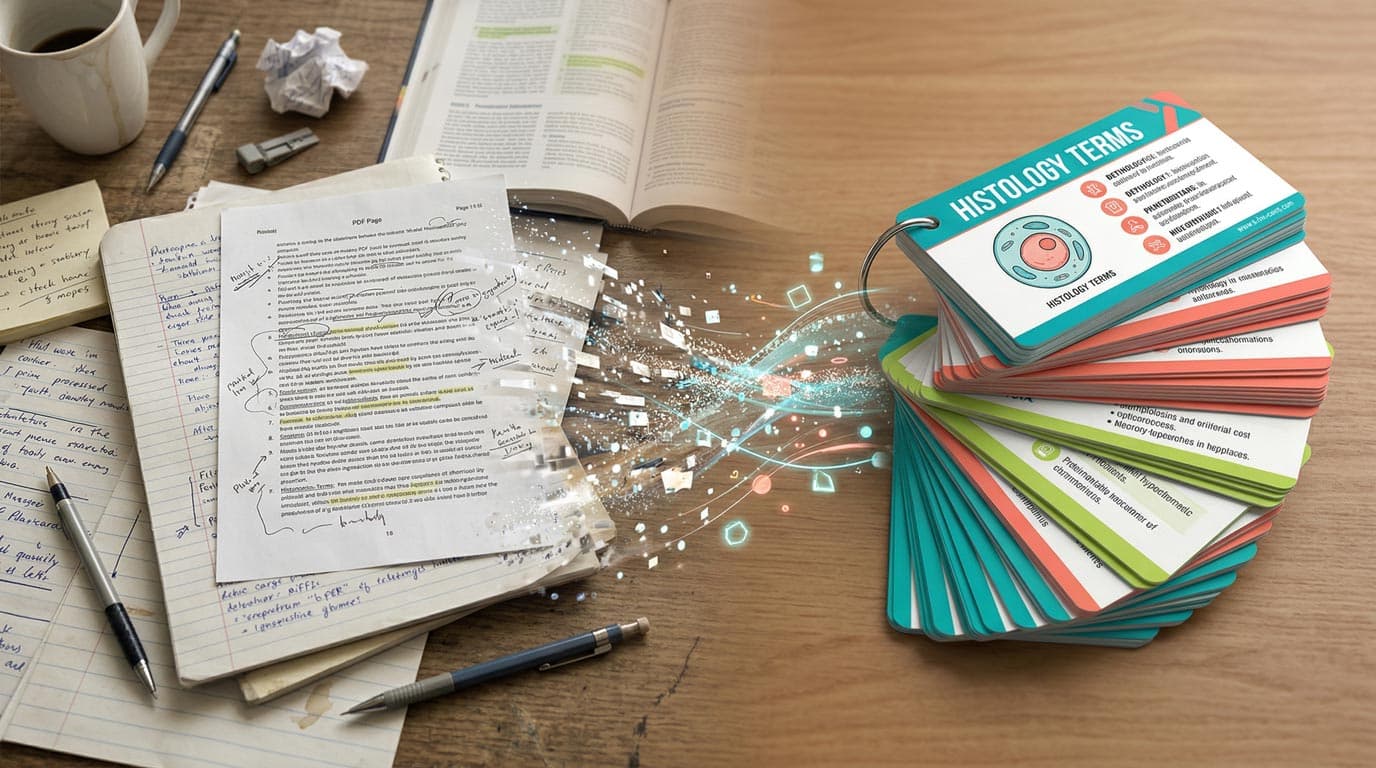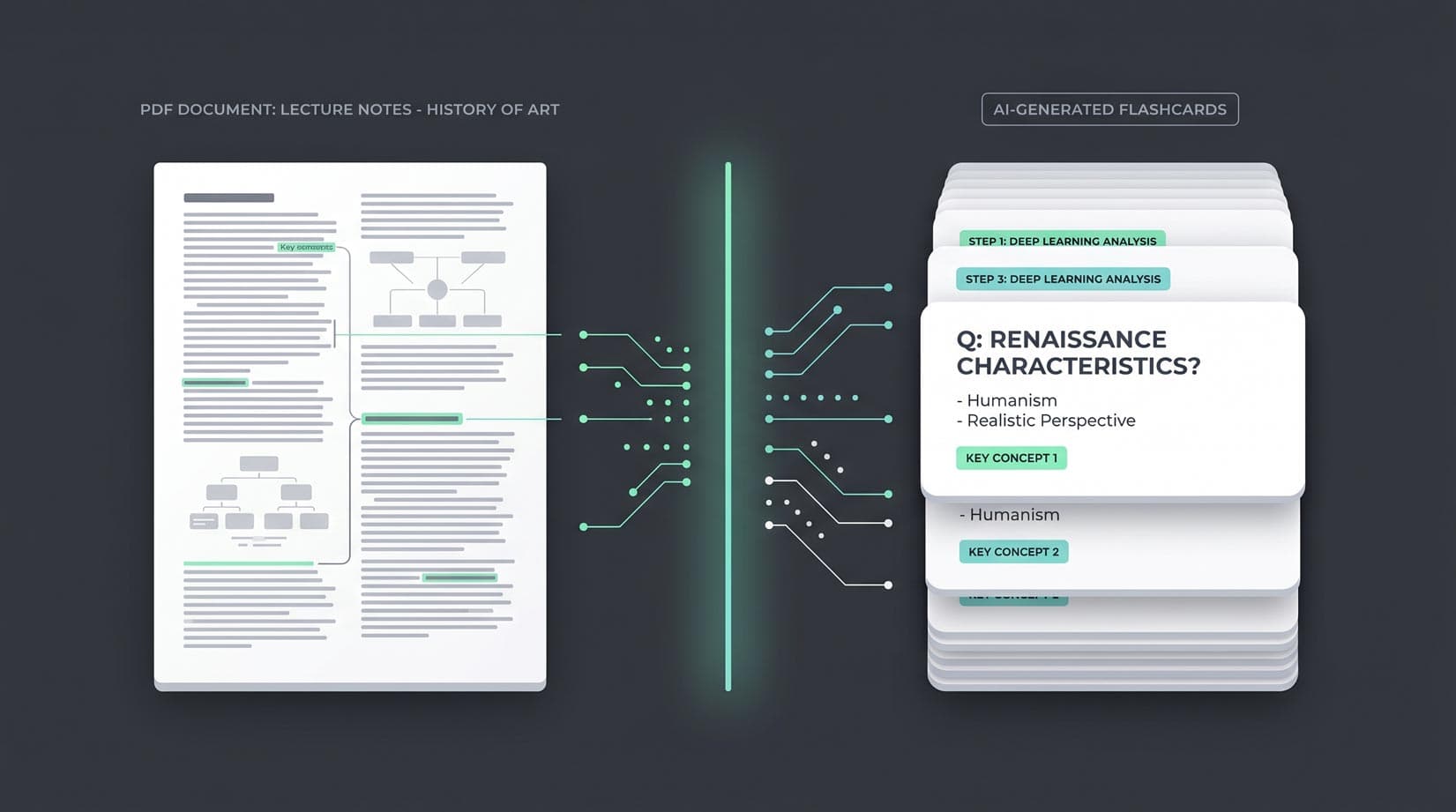
Most of the studying you do starts as a PDF. A textbook chapter, a slide deck, a clinical guideline, a research paper the professor assigned, a handout from class. The part that rarely gets done is the conversion — from "I read it once" to "I actually remember it three months from now." Flashcards close that gap, and AI now does the extraction work for you.
This is a hands-on 5-step guide to going from a PDF to a reviewable flashcard deck using AI, how to do it for free, and the five mistakes that produce junk cards.
Can you turn a PDF into flashcards for free?
Yes, with one honest caveat about where each option runs.
| Route | What it takes | Cost |
|---|---|---|
| Free web generator | Pasted text only (no PDF upload). Up to 20,000 characters and 25 cards per run, 5 runs a day, no signup. Download the cards as CSV. | Free |
| MintDeck iPhone/iPad app | Upload the PDF itself, pick the pages, and generate a deck you can study with FSRS right away. | 10–30 credits per PDF job. New accounts get 10 free credits. |
| Make the cards yourself | Read the PDF and type cards in the app. | Free, unlimited |
So the fully free route is: open the PDF, select and copy the text of the pages you need, and paste it into the web generator. If you'd rather upload the file directly, the iPhone app does it, and your 10 welcome credits cover a short PDF. Longer documents sit higher in the 10–30 credit range. If you want more, the only purchase is a one-time pack of 400 credits for $4.99, with no subscription. Studying the resulting cards is always free. The full price list has every cost.
What you need before you start
Two things: a PDF and an AI flashcard tool.
The PDF can be almost anything — a textbook chapter, exported lecture slides, a journal article, a government handout, a drug monograph, a statute excerpt. Text-based PDFs work best. Scanned PDFs (images of pages rather than real text) need OCR to work well; most modern AI tools handle this, but the output is only as clean as the scan.
The workflow below uses MintDeck: the free web generator if you paste the PDF's text, or the iPhone app if you want to upload the PDF itself and study the cards with spaced repetition. The same general steps work with any AI flashcard tool — the principles port over.
Step 1: Trim the PDF to what you actually need to study
This is the highest-leverage step and the one most people skip.
A 400-page textbook PDF dumped into an AI generator produces 400 pages of mediocre cards. A 15-page chapter produces a focused, reviewable deck. Before you upload anything, ask: which pages am I studying this week?
Three quick ways to trim a PDF:
- On macOS: Open in Preview → select the page thumbnails you want → File → Export as PDF.
- On iOS: Open in the Files app, long-press the PDF, tap Quick Actions → Create PDF, then delete the pages you don't need. Or skip this: the MintDeck app lets you pick which pages to use after you choose the PDF.
- In any browser: Use a free tool like PDF24 or Smallpdf's "split PDF" feature.
For slide decks specifically: trim anything that's a title slide, table of contents, agenda, or thank-you slide before uploading. Those pages produce low-signal cards that clutter your review queue.
Rule of thumb: 5–20 pages of focused content per generation. That's a reviewable deck. Beyond that, quality degrades.
Step 2: Upload the PDF (or paste its text) and generate your deck
In the iPhone or iPad app: create a new deck from a PDF and choose the file from the Files app (iCloud Drive, or any storage provider you've connected to Files). Select the pages you want, check the credit cost on the confirmation sheet, and generate. Nothing is charged until you confirm.
On the web, for free: open the PDF, copy the text of the pages you need, and paste it into the web generator. It doesn't accept file uploads, and it caps each run at 20,000 characters and 25 cards, so work a chapter at a time. Download the result as a CSV and import it into the app when you want spaced repetition.
The AI identifies the core concepts and relationships and drafts a deck, usually in well under a minute for a typical 10-page input. You'll get a mix of definition cards, "what is" prompts, and cause/effect or mechanism cards depending on the source material.
For text-based PDFs this is nearly lossless. For scanned PDFs (app only, since you can't copy text out of a scan), the app reads the page images first — if your scan is blurry or skewed, the output will reflect that. A quick test: if you can select text with your cursor in a PDF reader, it's text-based and will generate cleanly. If you can't, it's a scan and OCR quality will vary.
Step 3: Review and edit the cards before you start studying
Every AI-generated deck needs a five-minute pass before it becomes your study deck. This isn't optional — it's what separates a useful deck from a deck that teaches you mistakes.
Three things to check on every card:
- Is the fact correct? LLMs occasionally paraphrase a source in a way that subtly changes the meaning. Cross-check any card that looks surprising against the original PDF.
- Is the card atomic? One idea per card. If a card front asks "What is X and Y?", split it.
- Is the card phrased like a question you'd actually ask yourself? Not "Mitochondria is..." but "What is the primary function of mitochondria?"
Delete duplicates and anything trivial. A tight 40-card deck beats a bloated 120-card deck every time. MintDeck's inline editor lets you edit, split, or delete cards directly from the deck screen — no separate editor to open. There's a longer deep-dive on editing in the edit-cards guide if you want it.
Step 4: Study with spaced repetition (FSRS)
This is the step that actually moves the material from "I read this" to "I remember this."
The scheduling algorithm matters. MintDeck uses FSRS by default — the Free Spaced Repetition Scheduler — which is trained on millions of real reviews and predicts your personal forgetting curve with measurably more accuracy than the SM-2 algorithm most flashcard apps still ship with. The practical effect: cards you find easy get pushed further out, cards you struggle with come back sooner, and your daily review queue stays short without losing retention. Why FSRS outperforms SM-2 has the full breakdown if you want the theory.
Target 10–20 minutes of review per day, every day. Consistency beats volume — fifteen minutes every morning produces more durable memory than a 90-minute cram on Sunday.
If the PDF included a diagram, a formula, or a key table, hold on to a photo or screenshot of it separately. Flashcards are for the recall layer; they're not a replacement for the underlying source.
Step 5: Expand the deck as you study more PDFs
A single-chapter deck is a starting point, not a finished product. Most effective study workflows look like this:
- Week 1: Generate chapter 1 cards. Review daily.
- Week 2: Add chapter 2 cards to the same deck. Keep reviewing.
- Week 4: You have a 150-card deck covering everything you've read so far, and FSRS is quietly scheduling older cards at longer intervals while keeping newer cards in frequent rotation.
That cumulative effect is what makes flashcards worth the setup. Every PDF you process this semester compounds into a single growing deck you can trust for an exam two months away.
For the general theory behind this workflow, how to make flashcards with AI and the science of spaced repetition are worth a read.
Common mistakes that produce junk cards
The five mistakes that turn a good PDF into a bad deck:
- Uploading the entire PDF instead of trimming first. A 200-page textbook dump produces cards that are too shallow to be useful and too numerous to review. Trim to 5–20 focused pages.
- Skipping the review-and-edit step. Every deck needs five minutes of editing before first review. AI gets most cards right; the few it gets wrong are what you'd be memorizing incorrectly.
- Uploading scanned PDFs without checking OCR quality. If you can't select text in the PDF, the AI is working from OCR output. Bad scans produce bad cards. Rescan or retype if the extraction is noisy.
- Asking for too many cards per chapter. Card count ≠ understanding. A 40-card chapter deck outperforms a 120-card one. Let the AI produce a focused deck; delete anything trivial in review.
- Studying in long blocks instead of daily. Fifteen minutes a day beats a two-hour session once a week. The FSRS algorithm is built for daily cadence — using it otherwise wastes most of its benefit.
The bottom line
AI doesn't replace the learning — it removes the "I know I should make cards for this PDF but don't have time" problem that stops most people from using flashcards at all. The workflow is: trim the PDF, upload it, edit the draft, review daily with FSRS, expand as you go.
If you've got a textbook chapter or a slide deck open right now, paste its text into the free AI flashcard generator, or upload the PDF in the MintDeck app using your 10 free credits. The harder part is showing up for review tomorrow.
Frequently asked questions
- Can I turn a PDF into flashcards for free?
- Yes, two ways. MintDeck's web flashcard generator is free with no signup, but it takes text only: copy the text out of your PDF, paste it in (up to 20,000 characters), and get up to 25 cards you can download as a CSV. Or upload the PDF itself in the MintDeck iPhone app. A PDF job costs 10 to 30 credits depending on length, and new accounts get 10 free credits, enough for a short PDF.
- Can I upload a PDF to the MintDeck website?
- No. The web generator accepts pasted text only. PDF upload, page selection, and image or scanned-page input are in the MintDeck iPhone and iPad app.
- How much does it cost to turn a PDF into flashcards in MintDeck?
- A PDF or image job costs 10 to 30 credits depending on how long it is. New accounts start with 10 free credits, and the only paid option is a one-time pack of 400 credits for $4.99. There's no subscription, and studying the cards you make is free and unlimited.
- How many pages should I convert at once?
- About 5 to 20 pages of focused content per generation. Whole textbooks produce shallow, bloated decks. In the iPhone app you can pick which pages of the PDF to use before you generate.
Written by
Sergiu Puscas · Creator of MintDeck
Sergiu builds MintDeck and writes every guide and comparison on this blog — drawing on building an FSRS-based flashcard app and hands-on testing of the study apps covered here.
More about Sergiu