If you've ever spent an hour manually typing out flashcards before an exam, you've thought about the same thing everyone thinks: there has to be a faster way. There is. AI flashcard generators can turn a textbook chapter, a lecture PDF, or even a URL into a full deck of study cards in under a minute.
This guide covers what AI flashcard generators are, what separates good ones from mediocre ones, and how tools like MintDeck's free AI flashcard generator work in practice.
What Is an AI Flashcard Generator?
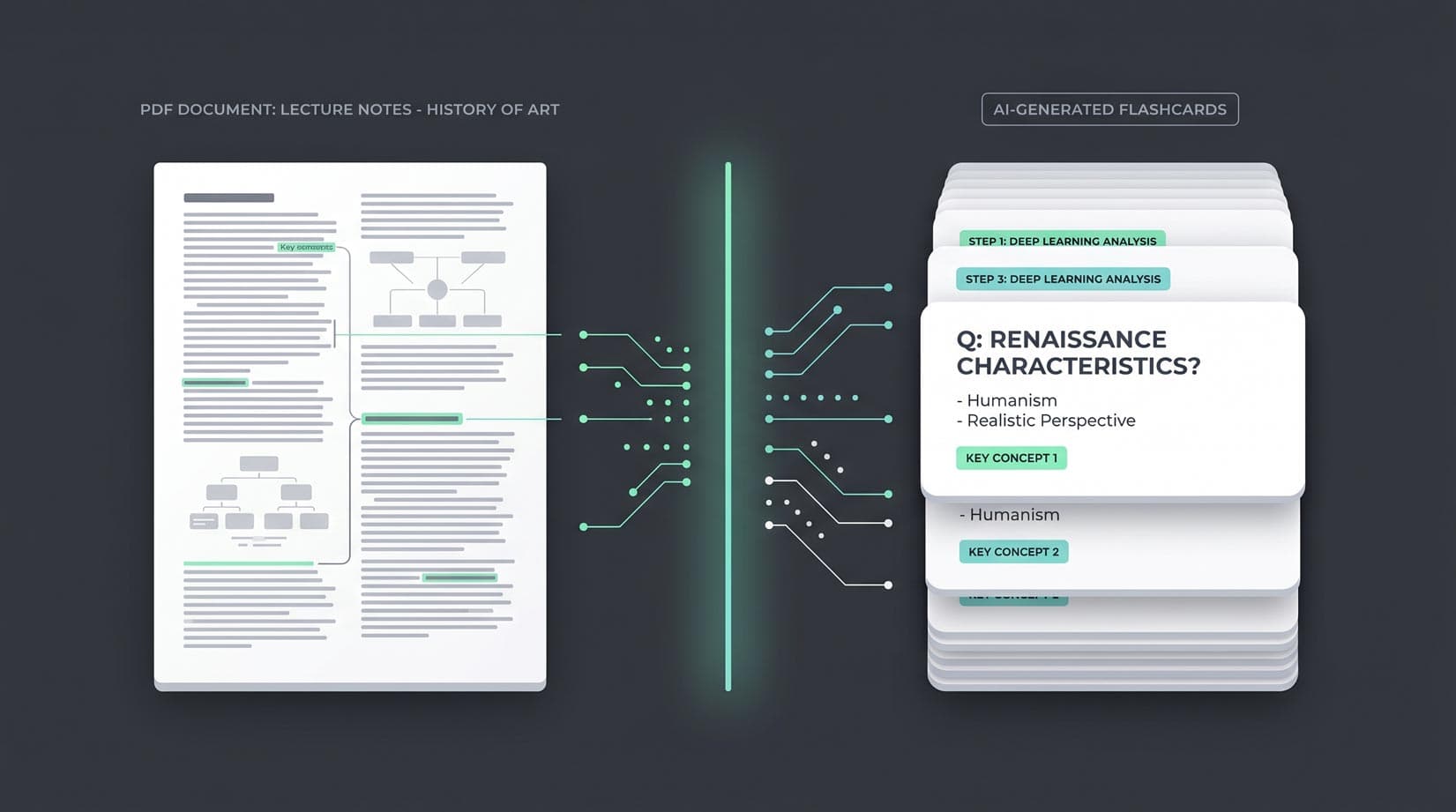
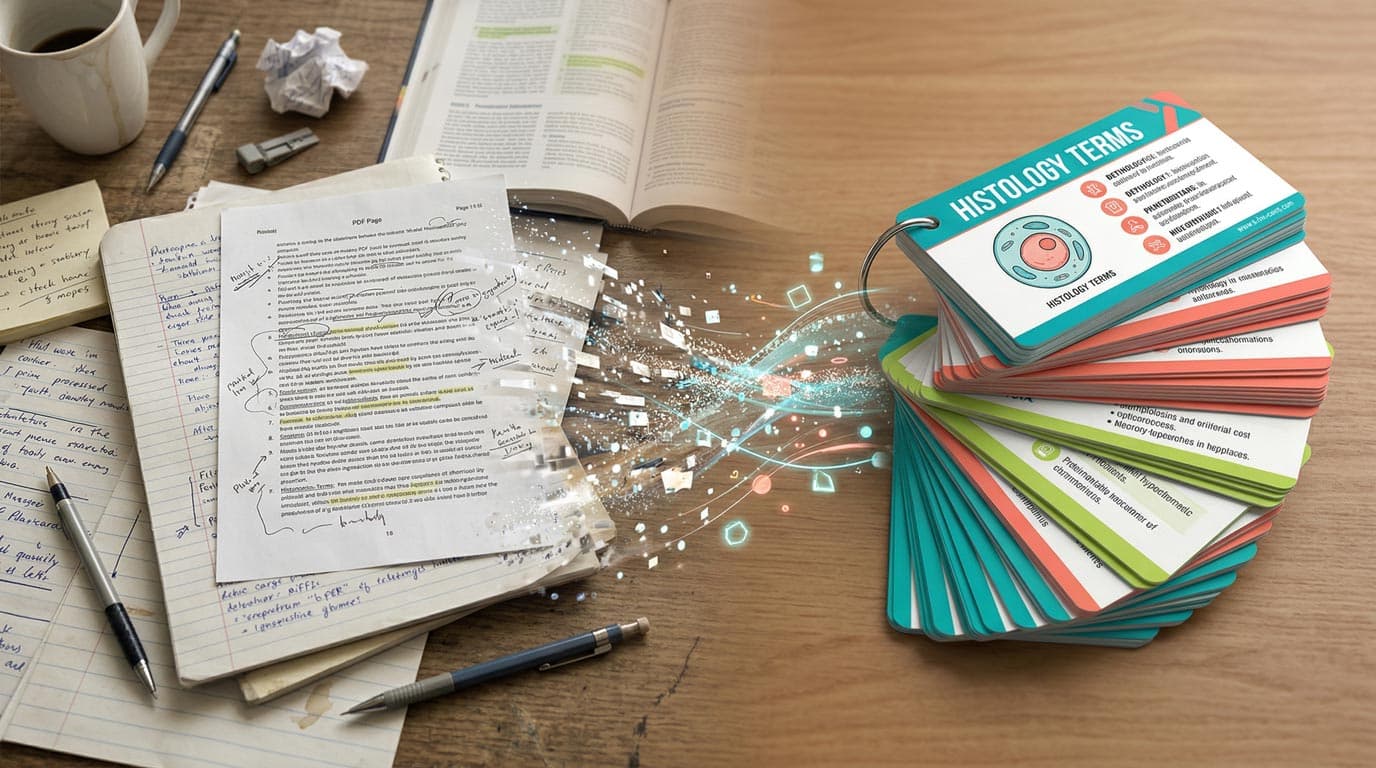
An AI flashcard generator is a tool that uses large language models (LLMs) to automatically extract key concepts from a source — a PDF, a block of text, an image, or a web page — and structure them as question-and-answer flashcard pairs.
Instead of deciding what to put on each card yourself, the AI does the knowledge extraction and formats it. The result is a draft deck you can review, edit, and start studying within minutes of uploading your material.
Most tools on the market today accept text input. The better ones handle PDFs, multiple formats, and even let you customize how many cards to generate, the difficulty level, or the subject focus.
What to Look for in an AI Flashcard Generator
Not all AI flashcard generators are equal. Here are the factors that actually matter for study outcomes:
Generation quality. The AI needs to identify meaningful concepts — not just lift sentences verbatim. A good generator produces concise question-and-answer pairs, not walls of text on one side of a card.
Input flexibility. The more sources you can use — PDFs, plain text, photos of notes, web URLs — the more useful the tool is across different study contexts. Medical students studying from textbooks have different needs than language learners working from vocabulary lists.
Editing capability. AI-generated cards are starting points, not finished products. Being able to quickly review, edit, delete, and add cards before studying is essential. A locked-down output defeats the purpose.
Spaced repetition integration. Generating cards is only half the job. Once you have a deck, how you study matters enormously. Tools built around the FSRS algorithm — the current state of the art in spaced repetition — will actually help you retain information, not just quiz you randomly. The science behind why this matters is well documented in the research on spaced repetition and memory.
Cost. Many AI flashcard tools are either entirely paywalled or limit free users to a few cards per day. Look for what the free tier actually includes — unlimited card creation should be the baseline, not a premium feature.
How MintDeck's AI Flashcard Generator Works
MintDeck's AI flashcard generator is available directly on the web and inside the iOS app. The flow is straightforward:
- Paste your content — text, a PDF, or a URL. MintDeck's AI reads the source and identifies the core concepts.
- Review the generated deck — cards appear immediately. You can edit any card, delete ones that aren't useful, or add your own.
- Start studying — the deck is immediately ready for FSRS-powered spaced repetition review.
The generation itself runs on Google's Gemini API, which handles long-form documents well. A 20-page chapter typically produces 30–60 cards, depending on the density of the material. You can regenerate with a different card count if the first pass produces too many or too few.
One practical difference from most generators: MintDeck generates cards that work as learning tools, not just trivia questions. The AI prompts are tuned to produce clear, testable Q&A pairs rather than definitions pasted directly from the source text.
Key Features Worth Knowing About
Beyond generation, a few features distinguish MintDeck from a basic AI card tool:
FSRS spaced repetition. Every deck you create — whether AI-generated or built manually — is studied using FSRS, an algorithm shown to outperform the older SM-2 system used by most flashcard apps. You rate each card after review, and the algorithm schedules the next review at the optimal interval for long-term retention. If you want a deeper look at why this matters, the FSRS explainer is worth reading.
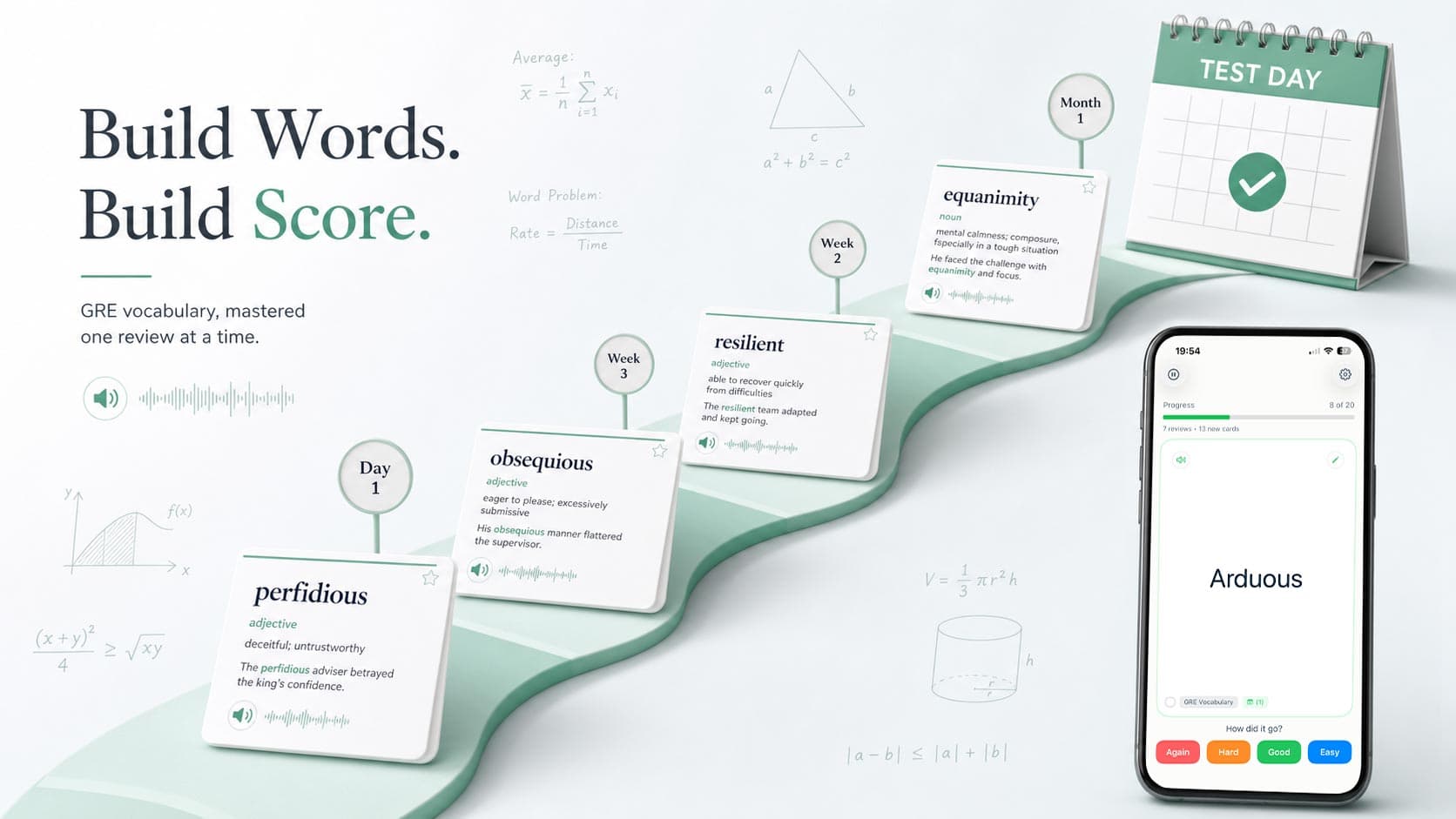
Audio in 31 languages. After generating a deck, you can enable text-to-speech for any card. On-device audio is free and works offline in 31 languages, including English, Spanish, French, German, Japanese and Korean — useful for language learners who want to hear vocabulary pronounced correctly while they study.
PDF processing. Upload a PDF directly and MintDeck extracts the text and generates cards automatically. This handles scanned lecture slides, academic papers, and chapter excerpts without requiring manual copy-paste.
Free core. Making cards by hand, importing, and FSRS studying are free with no daily caps. AI generation uses credits: new accounts get 10 free, and more come in a one-time $4.99 pack.
Who Benefits Most?
Students with high-volume material. Anyone working through large textbooks — pre-med, law, nursing, pharmacy — can save several hours per exam cycle by generating cards from chapter summaries instead of writing them by hand. The guide to studying as a medical student covers how this fits into a broader study system.
Language learners. Paste a vocabulary list or dialogue and get a deck of cards with native-language audio. The combination of AI generation and on-device TTS makes building pronunciation-focused decks significantly faster than any manual alternative.
Anki users looking for a modern alternative. MintDeck imports Anki decks directly — including media and scheduling data — so switching doesn't mean starting over. The AI generator then extends whatever you've already built.
General students tired of Quizlet's paywalls. Quizlet gated several of its core study features behind a subscription in 2026. MintDeck's free study loop, unlimited manual cards, and pay-as-you-go AI generation are a direct alternative with a more scientifically grounded study algorithm. If you're looking at digital flashcard options broadly, it's worth comparing what's actually free versus what's trial-limited.
Getting Started
The fastest way to try an AI flashcard generator is to use one. MintDeck's free AI flashcard generator works in your browser — no account required to generate your first deck. Paste a paragraph from your notes, generate, and see what it produces.
If you find the cards useful, the iOS app adds FSRS scheduling, audio, and sync across devices. The full study workflow — generate, edit, review, retain — is free to start with no credit card required.
For more on building effective study habits around spaced repetition, the guide to scientifically proven study techniques covers how AI-generated decks fit into a broader evidence-based approach to learning.
Compare apps: MintDeck vs Quizlet · MintDeck vs Anki
Study by subject: MCAT prep · GRE prep · Language learning · CFA Level 1
Written by
Sergiu Puscas · Creator of MintDeck
Sergiu builds MintDeck and writes every guide and comparison on this blog — drawing on building an FSRS-based flashcard app and hands-on testing of the study apps covered here.
More about Sergiu