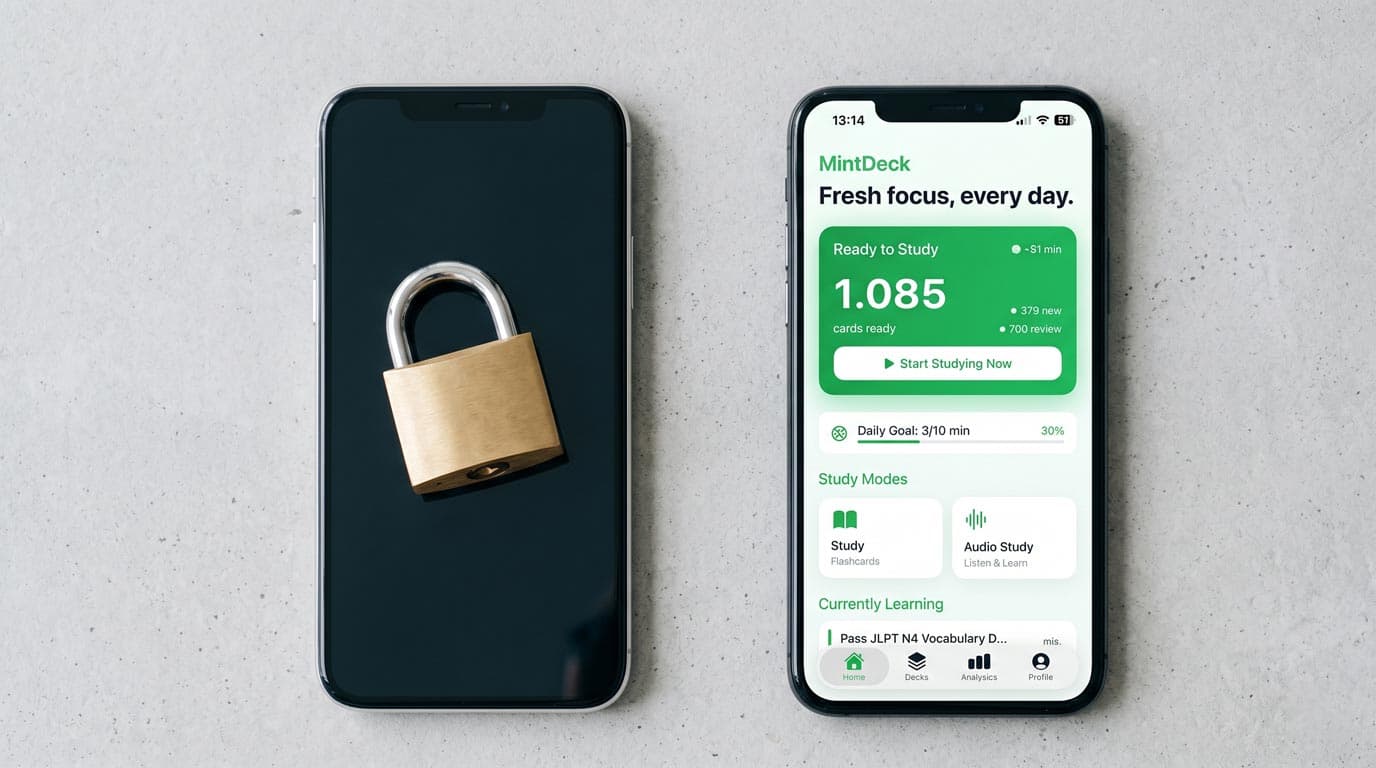
Quizlet was the default flashcard app for a generation of students. In 2026, it's still the most recognized name in the space — but it's no longer the most generous. Learn mode, Practice Tests, AI card generation, and audio study all moved behind the Quizlet Plus paywall.
If you're comparing MintDeck to Quizlet today, you're probably asking: what do I actually lose by switching, and what do I gain?
Here's the honest breakdown.
What Quizlet Is Now (2026 Free Tier)
Quizlet's free plan in 2026 includes:
- Flashcards mode — basic flip-through review
- Matching game — match terms to definitions
- Public deck browsing — access to millions of community-created sets
- Basic card creation — up to a cap (heavy users hit limits)
What's now behind Quizlet Plus:
- ❌ Learn mode — adaptive quiz based on what you don't know
- ❌ Practice Tests — auto-generated from your card set
- ❌ Quizlet AI — AI-powered card creation and Q&A
- ❌ Audio study — text-to-speech card reading
- ❌ Unlimited sets — large libraries require a subscription
The free tier still works for passive review. It doesn't work for actual learning science — the adaptive, testing-based study that Quizlet built its reputation on.
What MintDeck Offers Free
MintDeck's entire core study loop is free, with no card or deck limit:
- ✅ FSRS adaptive study — the equivalent of Quizlet's Learn mode, but with better underlying science. Cards are scheduled based on your forgetting curve prediction, not a fixed system.
- ✅ Quiz mode — test yourself on any deck, free.
- ✅ AI flashcard generation — 10 free credits on signup. Paste notes, upload a PDF, or describe a topic. More credits available as a one-time purchase, no subscription.
- ✅ Audio study in 31 languages — including English, Spanish, French, German, Japanese and Korean. Hands-free card reading for commutes and exercise.
- ✅ Anki
.apkgimport — if you have existing Anki decks, import them with scheduling intact. - ✅ Unlimited cards and decks — no cap.
The only paid feature: additional AI credits beyond the free allocation. There is no MintDeck Plus subscription.
Feature-by-Feature: MintDeck vs Quizlet
| Feature | Quizlet Free (2026) | Quizlet Plus | MintDeck Free |
|---|---|---|---|
| Adaptive learning (FSRS) | ❌ | Learn mode (basic) | ✅ FSRS |
| AI card generation | ❌ | ✅ | ✅ (10 credits free) |
| Practice tests / Quiz | ❌ | ✅ | ✅ |
| Audio study | ❌ | ✅ | ✅ 31 languages |
| Unlimited cards/decks | ❌ (capped) | ✅ | ✅ |
| Shared deck library | ✅ Massive | ✅ Massive | ❌ Import only |
Anki .apkg import | ❌ | ❌ | ✅ Free |
| Algorithm quality | Basic | Basic SM-2 | FSRS (better) |
| Cost | $0 | Paid Plus plan | $0 |
| Platforms | Web + iOS + Android | Web + iOS + Android | iOS/iPadOS only |
Algorithm Comparison: FSRS vs Quizlet's Learn Mode
This is the most technically meaningful difference, so it's worth explaining.
Quizlet's Learn mode uses a basic spaced repetition approach — it tracks whether you got a card right or wrong and adjusts when it shows it again. It works, but it's not optimized.
FSRS (the Free Spaced Repetition Scheduler) is a modern algorithm trained on millions of real student review sessions. It models your forgetting curve specifically and schedules reviews at the scientifically optimal moment for long-term retention. Research shows FSRS reduces total review time by 20–30% at the same retention rate compared to SM-2-style scheduling.
In practice: if you're studying the same material with Quizlet's Learn mode and MintDeck's FSRS, MintDeck should get you to the same retention with fewer total review sessions.
For casual studying — matching, Flashcards mode — the algorithm difference doesn't matter. For serious exam prep where review efficiency is the difference between passing and cramming, it does.
Read the full science behind FSRS if you want the technical detail.
The Shared Deck Library: Quizlet's Real Advantage
Quizlet's largest genuine advantage is its content library. Millions of sets exist for nearly every subject, created and shared by students and teachers. If you're studying a common topic — AP Biology, SAT vocab, MCAT subjects, intro to economics — there's a high chance a well-made Quizlet set already exists for it.
MintDeck doesn't have a shared library. You either import your own content or generate new decks with AI.
If you rely heavily on finding existing community decks rather than building your own, Quizlet's library is hard to replicate. The AI generator is a partial substitute — describe a topic and generate a deck in seconds — but it won't have the same breadth of community-validated content Quizlet has built over 15 years.
Platforms: The Honest Limitation
Quizlet works on web, iOS, and Android. MintDeck is iOS and iPadOS only.
If you switch primary devices to Android, or if you study heavily on a laptop or Windows PC through a browser, MintDeck won't cover those workflows. This is a real limitation to name clearly.
For iPhone-first students — which is the majority of US college students — this doesn't affect day-to-day use. For students who split study time between devices or use Android, it's worth factoring in.
Who Each App Is Right For
MintDeck is the better choice if:
- You're an iPhone user who wants the study features Quizlet locked away, for free
- You care about algorithm quality and want FSRS scheduling
- You want AI deck generation without a monthly subscription
- You have or want to import Anki decks
- Audio study is part of your workflow
Quizlet is the better choice if:
- You rely on the community library of shared decks
- You need Android or web access
- You're willing to pay ~$35/year and want the most recognized name in the space
- You share decks with classmates who are already on Quizlet
Quizlet's free tier alone is no longer competitive for students who need adaptive learning features. If you've been relying on Quizlet free, you're either paying for Plus now or you're getting less than you used to.
Switching From Quizlet to MintDeck
If you want to bring your Quizlet content over:
- Export from Quizlet — open a set → ··· → Export → Tab + Newline format
- Import to MintDeck — use AI generation to paste the exported text and let MintDeck format it as a flashcard set
- Or start fresh with AI — if your Quizlet sets are outdated, describe your topic to MintDeck's generator for a fresh deck
Most students find the switch takes 15–20 minutes for a full library. The AI import path works well for large sets.
The Verdict
Quizlet in 2026 is not the same product most students grew up with. The features that made it useful for real studying now cost money. What's free is the content library and passive flashcard modes.
MintDeck offers the adaptive study features Quizlet paywalled — including a better algorithm — entirely free. The tradeoff is the platform limitation (iOS only) and no shared deck library.
If you're an iPhone user who wants to study effectively without a subscription, MintDeck is the practical answer to what Quizlet used to be.
Try MintDeck free — generate your first deck in 2 minutes →
Frequently Asked Questions
Is MintDeck really free?
Yes. The core study loop — create decks, review with FSRS scheduling, quiz mode, audio study, Anki import — is completely free with no card or deck limit. The only paid feature is AI credit packs for bulk flashcard generation from notes and PDFs. You get 10 free credits on signup.
Does MintDeck work on Android?
No. MintDeck is currently iPhone and iPad only. Android students should look at AnkiDroid (free, FSRS, excellent) or Remnote.
Can I import my Quizlet sets into MintDeck?
MintDeck doesn't have a direct Quizlet importer. You can export from Quizlet in text format and use MintDeck's AI generator to convert the exported content, or start fresh by generating new decks on the same topics.
Is FSRS really better than Quizlet's Learn mode?
Yes, based on the available research. FSRS is trained on real review data and models individual forgetting curves more accurately than SM-2-based systems like Quizlet's Learn mode. It results in fewer reviews needed for the same retention rate. See the spaced repetition science for the full breakdown.
What if Quizlet adds the features back to the free plan?
If Quizlet reverses its paywall decision, the comparison changes. Until then, MintDeck gives iPhone users a free path to the adaptive study features that matter for serious exam prep.
Study by subject: MCAT prep · GRE prep · College students · Language learning · Law school
Related: Quizlet paywall: free alternatives · Best free Quizlet alternative 2026 · Best free flashcard app for iPhone · Knowt iOS alternative
Written by
Sergiu Puscas · Creator of MintDeck
Sergiu builds MintDeck and writes every guide and comparison on this blog — drawing on building an FSRS-based flashcard app and hands-on testing of the study apps covered here.
More about Sergiu