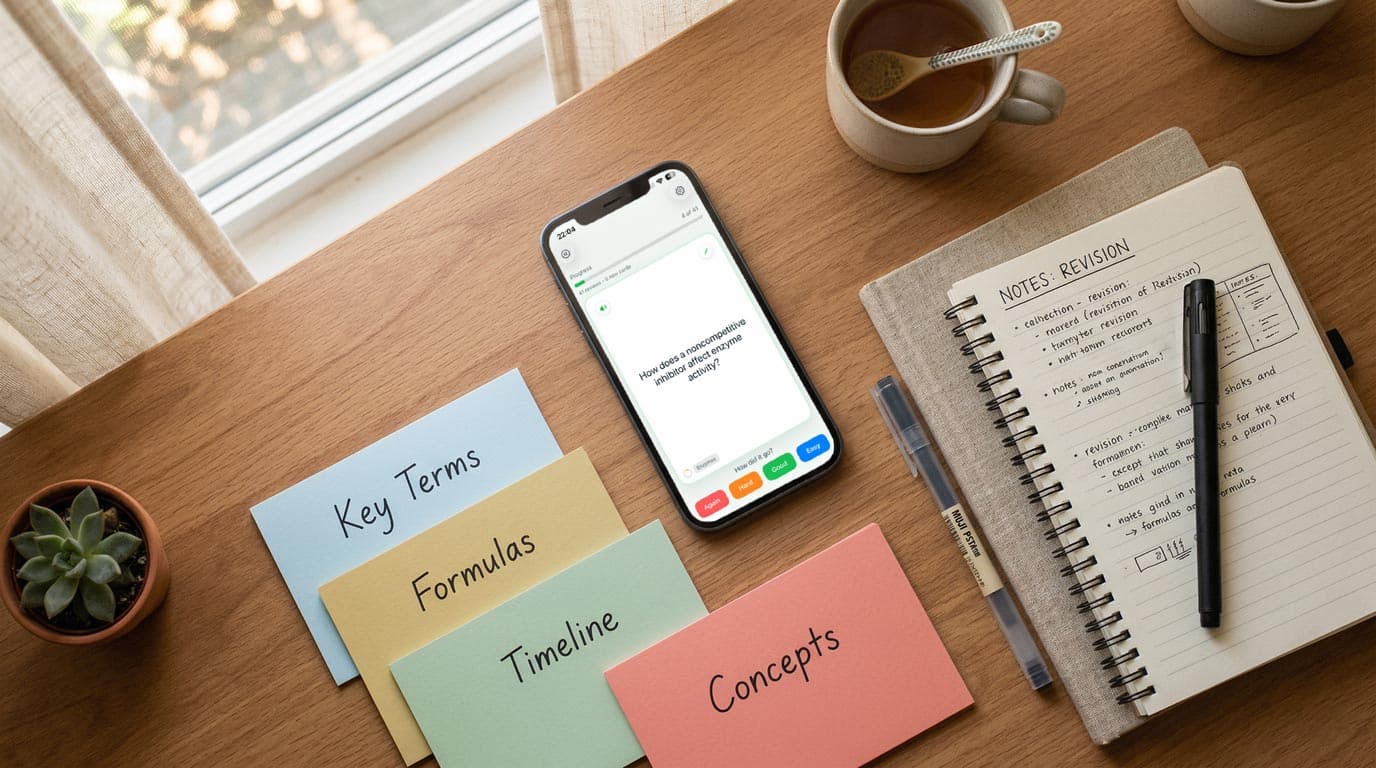
If you're a student hunting for a free flashcard app for iPhone in 2026, you've probably already run into a wall with Quizlet. What used to be free now requires a paid plan just to use Learn mode — one of its most useful features. The good news: there are solid free alternatives, and some of them are better than Quizlet ever was.
This guide breaks down the best free flashcard apps available on iPhone right now, what you actually get for free, and which one deserves a spot on your home screen.
What Makes a Good Free Flashcard App for iPhone?
Not all "free" apps are the same. Before we compare, here's what actually matters:
- Truly free core features — Can you create, study, and review cards without hitting a paywall?
- Spaced repetition — The science of spaced repetition is well-established: reviewing cards at the right time beats cramming every time. Does the app support it?
- Import options — Can you bring decks from Anki, Quizlet, or a PDF without paying?
- No content limits — Some apps cap free users at 10 decks or 100 cards. That's a deal-breaker for serious students.
- iOS-native design — An app built for iPhone will always feel better than a web app wrapped in a browser shell.
Top Free Flashcard Apps for iPhone in 2026
MintDeck — Best Overall Free Option
MintDeck is an iPhone-first flashcard app built around the FSRS algorithm, the most accurate spaced repetition system available today. It launched in late 2025 and has quickly become the go-to choice for students who want Anki-level science without Anki's dated interface.
What's free:
- Unlimited card creation and manual study
- FSRS spaced repetition (fully free — no cap)
- Anki deck import (.apkg files with media preserved)
- On-device audio generation for 31 languages (including English, Spanish, French, German, Japanese and Korean) — no credits needed
- 10 free AI credits on signup to generate entire decks from notes, PDFs, or topics
What costs credits:
- Additional AI deck generation beyond the 10-credit welcome bonus (400 credits cost $4.99, one-time)
The free tier is genuinely useful. You can study every card, every day, with full FSRS scheduling — completely free. The credits are for AI generation, which is a powerful bonus but not required to use the app.
Best for: Students who want serious spaced repetition, Anki migrators, language learners.
Anki (AnkiMobile)
Anki is the gold standard for spaced repetition, and it now ships FSRS natively — the same modern scheduling algorithm MintDeck uses. The catch: AnkiMobile on iPhone costs $24.99 — a one-time purchase, but not free. The desktop app and the web version (AnkiWeb) are free, but neither is a great iPhone experience.
If you're already an Anki user, MintDeck can import your existing .apkg decks directly, preserving media and scheduling data.
What's free: Desktop app only. iPhone app = $24.99.
Best for: Power users already deep in the Anki ecosystem who don't mind paying for the mobile app.
Quizlet
Quizlet still has the largest user-generated content library — hundreds of millions of decks on virtually every topic. But its free tier has been significantly hollowed out. In 2026, Learn mode and Practice Tests are gated behind Quizlet Plus, a paid subscription. Free users can flashcard flip and match, but not much else.
If Quizlet's content library is why you're here, it's worth knowing that MintDeck can pull from that same study material — just use the AI generator to recreate any deck from your notes or a topic brief, and you'll have something better structured for your specific exam.
What's free: Basic flashcard flip. No spaced repetition, no Learn mode.
Best for: Quick review of pre-made content. Not ideal as a primary study tool in 2026.
Brainscape
Brainscape uses a confidence-based repetition system where you self-rate each card from 1–5. It's intuitive and works well for shallow review. The free tier is limited — no offline access, capped at 20 personal decks, and no iOS-native spaced repetition engine.
What's free: Basic study sessions. Limited personal deck creation.
Best for: Casual study. Not ideal for NCLEX, medical school, or language learning where precision matters.
Side-by-Side Comparison
| Feature | MintDeck | AnkiMobile | Quizlet | Brainscape |
|---|---|---|---|---|
| Free on iPhone | ✅ | ❌ ($24.99) | ✅ (limited) | ✅ (limited) |
| FSRS spaced repetition | ✅ | ✅ | ❌ | ❌ |
| Anki import | ✅ | N/A | ❌ | ❌ |
| AI deck generation | ✅ (10 free credits) | ❌ | ❌ | ❌ |
| Free audio generation | ✅ (31 languages) | ❌ | ❌ | ❌ |
| Offline study | ✅ | ✅ | ❌ | ❌ |
| iOS-native design | ✅ | ✅ | ❌ | ✅ |
How to Get Started with a Free Flashcard App on iPhone
The fastest path to free, effective studying on iPhone in 2026:
- Download MintDeck from the App Store (free)
- Use your 10 welcome AI credits to generate your first deck — paste in lecture notes, a topic name, or a list of terms and it builds structured cards instantly
- Import existing Anki decks if you have them — .apkg files transfer with full media and scheduling
- Let FSRS schedule your reviews — the algorithm calculates exactly when each card needs review to stick long-term, so you're not wasting time on cards you already know
If you want to understand what's happening under the hood, the guide to digital flashcards covers the core concepts behind effective card-based studying.
The Bottom Line
The best free flashcard app for iPhone in 2026 is MintDeck. It gives you real FSRS spaced repetition, Anki import, offline support, free audio in 31 languages, and 10 AI credits to generate your first decks — all at no cost. The Quizlet paywall has pushed students to look for alternatives, and this is the one worth switching to.
Start studying free with MintDeck →
Compare apps: MintDeck vs Quizlet · MintDeck vs Anki · Is AnkiPro safe?
Study by subject: MCAT prep · GRE prep · Language learning
Frequently asked questions
- What is the best free flashcard app for iPhone in 2026?
- MintDeck is the best free flashcard app for iPhone in 2026 — it includes FSRS spaced repetition, AI deck generation, and audio study with no ads and no $60/year subscription. Anki is free but dated and clunky on iOS, while Quizlet now locks core study modes behind Quizlet Plus.
- Is MintDeck actually free, or is it a free trial?
- MintDeck's core app is genuinely free on iPhone. Building decks, spaced-repetition review, and every study mode cost nothing. AI generation uses optional credits, but you never need them to study your own cards.
- Can I import my Anki or Quizlet decks into a free iPhone app?
- Yes. MintDeck imports Anki .apkg decks and Quizlet sets, so you can move your existing cards to your iPhone without rebuilding them by hand.
- Do free iPhone flashcard apps support spaced repetition?
- Most do not, or they gate it behind a paywall. MintDeck includes FSRS — the modern spaced-repetition algorithm — for free, so each card resurfaces right before you would forget it.
Written by
Sergiu Puscas · Creator of MintDeck
Sergiu builds MintDeck and writes every guide and comparison on this blog — drawing on building an FSRS-based flashcard app and hands-on testing of the study apps covered here.
More about Sergiu