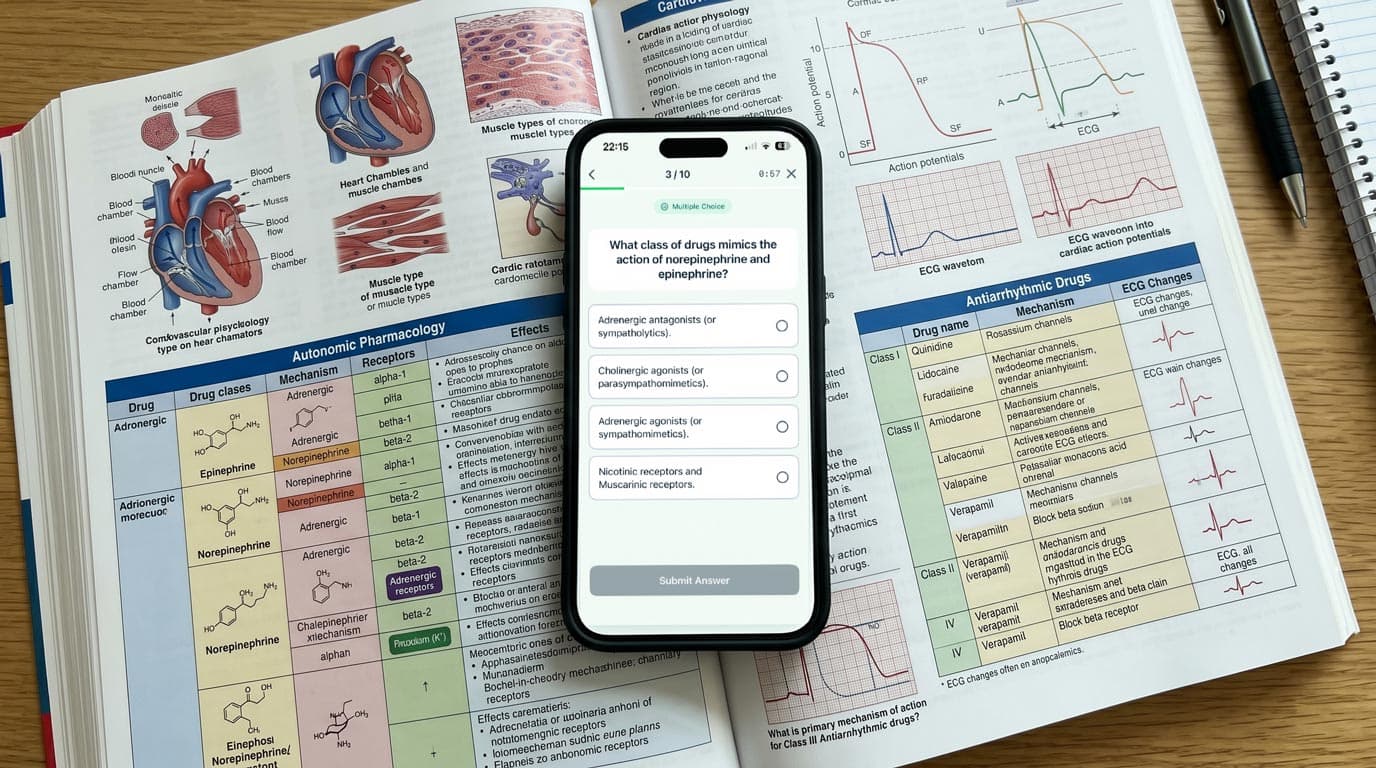
Step 1 is a volume problem. You are expected to hold biochemistry, microbiology, pharmacology, pathology and physiology in your head at the same time, and to pull any of it out under a timer. Spaced repetition flashcards are the standard way students handle that load, and for most of them the standard tool is Anki with the AnKing deck.
So this guide doesn't pretend otherwise. It covers what the exam looks like in 2026, where Anki and AnKing are still the right answer, where MintDeck is a better fit, and what Brainscape and Quizlet are good for.
What Step 1 looks like in 2026
Two facts shape how you should study:
- It's pass/fail. Step 1 moved to pass/fail reporting for exams taken on or after January 26, 2022. The goal is a safe pass, not a top percentile, which changes how much card volume is worth carrying.
- The blocks got shorter in May 2026. For exams on or after May 14, 2026, Step 1 is a one-day exam of fourteen 30-minute blocks, each with no more than 20 questions, in one 8-hour session. The total question count (up to 280) and the content didn't change; the old format was seven 60-minute blocks of 40.
Confirm the details for your own test date on usmle.org. Flashcards don't train pacing — question banks do — but they do keep the facts you need for those questions available.
The honest starting point: Anki and AnKing
If you ask a second-year what they use for Step 1, the answer is usually "AnKing." It's a very large Anki deck maintained by a team of maintainers, tagged by resource (Boards and Beyond, Pathoma, Sketchy, question-bank IDs and so on) so you can unsuspend cards as you cover material. The live-updating version is distributed through AnkiHub, a paid subscription service that is separate from Anki itself.
That ecosystem is hard to beat if you're already in it. If you have a year of AnKing reviews, a set of add-ons you rely on, and AnkiHub keeping your deck current, switching apps mid-dedicated is not worth the disruption.
The trade-offs are the familiar ones. Anki is free on desktop and Android, but AnkiMobile on iPhone costs $24.99 in the US App Store. FSRS has been available in Anki since version 23.10, but you have to turn it on. And getting a large deck configured — deck options, note types, add-ons, sync — takes time.
Where MintDeck fits
MintDeck is an iPhone flashcard app built around FSRS, the modern spaced repetition scheduler. It isn't trying to replace the AnKing team's curation. It's useful in three situations:
You want to review an Anki deck in a cleaner iPhone app without paying for AnkiMobile. MintDeck imports .apkg files for free. From a standard package, the Anki import brings across cards, cloze deletions and image-occlusion cards, images and audio, tags, and your study progress (intervals and due dates), so you don't restart your reviews.
Know the limits before you move a big deck:
- It's a snapshot. An import copies the deck at the moment you export it. AnkiHub's live updates come through Anki, so they won't flow into MintDeck afterward.
- No add-ons. MintDeck doesn't run Anki add-ons. If your workflow depends on one, stay in Anki.
- Note types are mapped, not copied. MintDeck reads the note type and maps Anki fields onto its own front and back fields. The import screen shows a preview, and Configure Field Mapping lets you reassign fields. Check the preview carefully on a note type with many extra fields.
- Export settings matter. If an export imports with no cards, re-export from Anki with "Support older Anki versions" checked.
You're making your own cards. A lot of Step 1 students supplement a premade deck with cards for their own weak spots — a pharmacology table you keep missing, a lecture's worth of microbiology. MintDeck's AI generation drafts cards from pasted notes, a PDF or an image. Topic-based generation costs about 1 credit per card; a PDF or image job costs 10–30 credits depending on length. New accounts get 10 free credits, and the only paid option is a one-time pack of $4.99 for 400 credits. Always edit AI cards before you trust them.
You want hands-free review. Audio Study reads cards aloud with free on-device voices in 31 languages, including English, Spanish, French, German, Japanese and Korean, and works offline. Drug names and bug-drug pairs are good candidates for a commute.
Everything else in the study loop is free: unlimited FSRS reviews, manual cards, in-app image occlusion, reverse cards, folders and iCloud sync. The full breakdown lists what costs credits.
Honest limitations: MintDeck is iOS-only, it has no shared community deck library, and it doesn't run Anki add-ons.
Brainscape and Quizlet
Brainscape sells curated, expert-made decks, including medical content, and schedules them with a confidence rating (1–5) after each card. It suits students who want structured premade content and are fine with a paid subscription for the full library. Its scheduler is proprietary rather than FSRS, and it doesn't import Anki decks.
Quizlet has a huge library of user-made sets and an easy interface. For Step 1, the problem is that its study modes aren't built on a published spaced repetition algorithm, and several of them now sit behind a paid plan. It works for quick look-ups or a study-group set, not as the main review system for a full curriculum.
Comparison for Step 1
| Feature | MintDeck | Anki + AnKing | Brainscape | Quizlet |
|---|---|---|---|---|
| Scheduling | FSRS (on by default) | FSRS (optional since 23.10) or SM-2 | Confidence-based (proprietary) | Proprietary |
| iPhone price | Free (credits for AI only) | $24.99 (AnkiMobile) | Free tier; paid subscription | Free tier; paid subscription |
| Premade Step 1 deck | No (imports .apkg) | AnKing via AnkiHub (paid subscription) | Curated decks | User-made sets |
| Imports Anki .apkg | Yes, with review history | Native | No | No |
| Live deck updates | No | Yes (AnkiHub) | Publisher-managed | No |
| Add-ons | No | Yes | No | No |
| AI card generation | Yes (credits) | No (built-in) | Varies by plan | Varies by plan |
| Platforms | iOS | Desktop, Android, iOS, web | Web, iOS, Android | Web, iOS, Android |
Competitor plans and prices change often; check each app's current pricing page before you subscribe.
How to set up MintDeck for Step 1
- Download MintDeck from the App Store. It's free.
- Decide what you're importing. If you use AnKing in Anki, decide whether you want a snapshot on your phone or want to keep Anki as the main app. If you rely on AnkiHub updates or add-ons, keep Anki.
- Import your deck. In Anki desktop, use File → Export to save an
.apkg(check "Support older Anki versions" if an import comes up empty). In MintDeck, go to Decks → + → Import → Anki Deck, check the field-mapping preview, then import. If the package has sub-decks, the Folder with decks option keeps the structure closest to Anki. - Add the free foundation decks you need. The Pharmacology: Top 100 Drugs deck (196 cards), Anatomy: Bones & Muscles (250 cards) and Medical Terminology Essentials (305 cards) are free downloads. They're foundation material, not a Step 1 deck, so use them to shore up gaps.
- Make cards from your misses. After a question-bank block, write a card for each fact you got wrong, or paste the explanation into AI generation and edit the result.
- Review every day, including during dedicated. FSRS builds one daily queue across all your decks. Keep reviews short on heavy practice-exam days rather than skipping them.
For the bigger picture across preclinical years, Step 2 and clerkships, see the medical student flashcard app guide and the medical student study guide.
The bottom line
If you're deep in Anki with AnKing, AnkiHub and your add-ons, stay there and make sure FSRS is switched on. If you want FSRS on by default in a modern iPhone app, want your Anki decks and review history without paying $24.99 for AnkiMobile, or want AI to draft cards from your own notes and misses, MintDeck is worth ten minutes. Brainscape works for curated content on a subscription; Quizlet is fine for quick sets, not for a full Step 1 review system.
Compare apps: MintDeck vs Anki · MintDeck vs Brainscape · MintDeck vs Quizlet
Related medical exam prep: MCAT prep · Med school flashcard apps · NCLEX-RN · PA school
Free study decks: Pharmacology: Top 100 Drugs · Anatomy: Bones & Muscles · Medical Terminology Essentials
Frequently asked questions
- What is the best flashcard app for USMLE Step 1?
- For most Step 1 students the default is still Anki with the AnKing deck, because that deck is large, community-maintained and tagged to common resources. MintDeck is a good fit if you want FSRS scheduling in a modern iPhone app, want to import Anki decks with your review history, or want AI to draft supplemental cards from your own notes.
- Can I use the AnKing deck in MintDeck?
- You can import any Anki .apkg file into MintDeck, including a deck you export from Anki. Cards, cloze and image-occlusion cards, images and audio, tags and your review schedule carry over, and MintDeck maps the note type's fields onto its front and back. What you don't get is AnkiHub's live updates or Anki add-ons, so if you rely on those, stay in Anki.
- Is Step 1 still pass/fail?
- Yes. Step 1 has been reported as pass/fail since January 26, 2022. Since May 14, 2026 it runs as fourteen 30-minute blocks with up to 280 questions in one 8-hour session. Confirm current details on usmle.org before test day.
- Is MintDeck free for Step 1 studying?
- The study engine is free: unlimited FSRS reviews, Anki and CSV import, manual cards, image occlusion, audio with on-device voices, and iCloud sync. Credits are only for optional AI generation. New accounts get 10 free credits, and a one-time pack is $4.99 for 400 credits.
Written by
Sergiu Puscas · Creator of MintDeck
Sergiu builds MintDeck and writes every guide and comparison on this blog — drawing on building an FSRS-based flashcard app and hands-on testing of the study apps covered here.
More about Sergiu