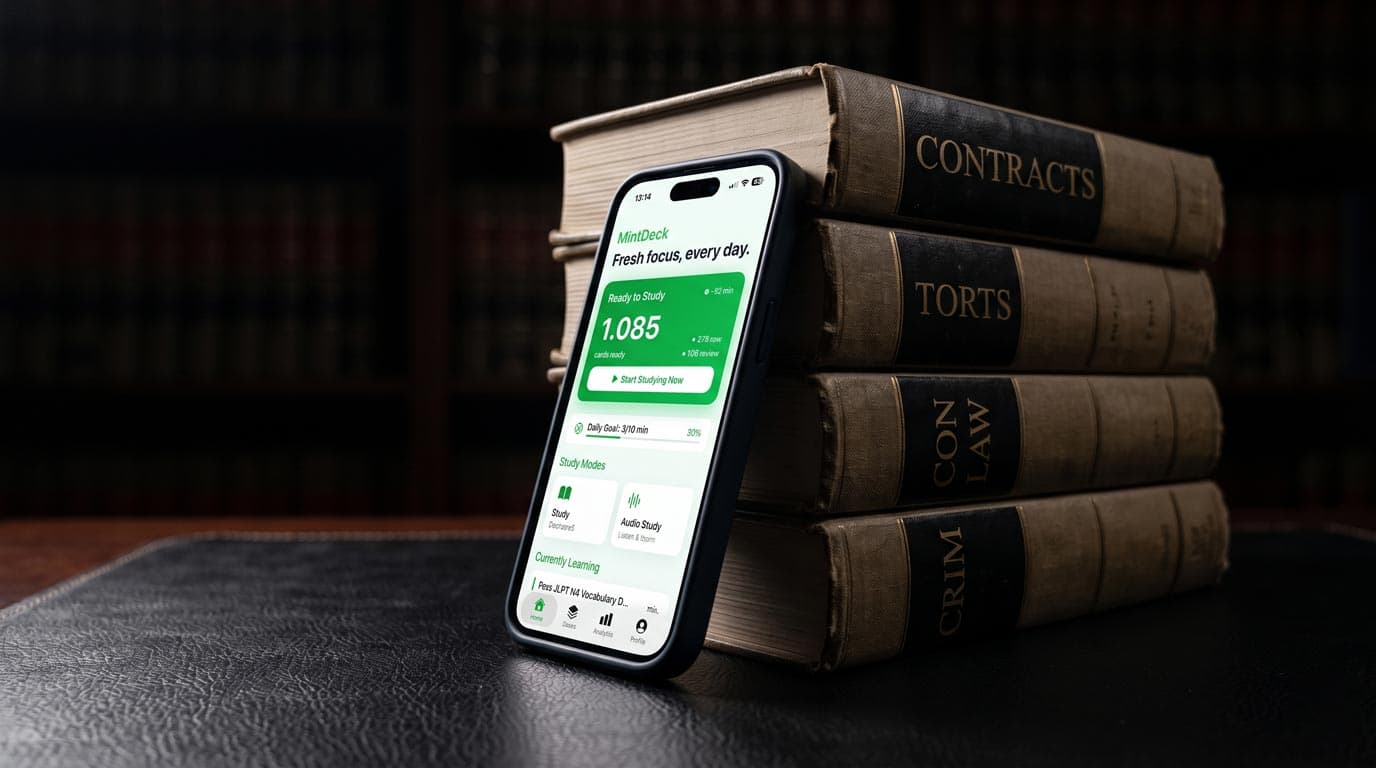
Bar prep is a memorization problem layered on top of a skills problem. You need hundreds of rules and their elements available on demand, and you need to apply them to messy facts under time pressure. A bar review course and practice questions handle the second part. Spaced repetition flashcards are the most efficient way to handle the first.
2026 is also an unusual year to be choosing tools, because the exam itself is changing. This guide covers the transition, what it means for your cards, and how the main flashcard options compare.
The bar exam in 2026: two exams at once
The legacy UBE has three parts:
- MBE: 200 multiple-choice questions over six hours (175 scored, 25 unscored pretest), covering Civil Procedure, Constitutional Law, Contracts, Criminal Law and Procedure, Evidence, Real Property and Torts.
- MEE: six 30-minute essay questions.
- MPT: two 90-minute performance tasks.
The MBE counts for 50% of the UBE score, the MEE 30% and the MPT 20%. NCBE says the legacy UBE and its components remain available through the February 2028 administration and then sunset.
The NextGen bar exam was first administered in July 2026, in ten jurisdictions (Connecticut, Guam, Idaho, Maryland, Missouri, the Northern Mariana Islands, Oregon, Palau, the US Virgin Islands and Washington). It runs over a day and a half on your own laptop at a proctored site, and it has three question types:
- Standalone multiple-choice (about 40% of exam time, 49% of the score).
- Integrated question sets built on one fact pattern, sometimes with legal resources (21% of the score).
- Performance tasks, including legal research tasks (30% of the score).
NextGen tests foundational concepts in Business Associations, Civil Procedure, Constitutional Law, Contracts, Criminal Law, Evidence, Real Property and Torts. Family Law joins that list from July 2028; until then, family law and trusts and estates concepts are tested with legal resources provided.
Most jurisdictions plan to move to NextGen by July 2028, and a few start in February 2028. Your jurisdiction's bar admission office has the final word, and NCBE publishes a chart of which exam each jurisdiction uses. Some jurisdictions also add their own state-law component.
What this means for your flashcards
On the legacy UBE, flashcards are a core tool. The MBE rewards fast, precise recall of rules and exceptions, and the MEE draws on a wider list of subjects than the MBE. Rule statements, elements, exceptions and the classic distinctions (hearsay exceptions, the rule against perpetuities, UCC Article 2 vs. common law) are ideal cards.
On NextGen, rules still matter, but memorizing a rule statement word for word is worth less than understanding when it applies. Write cards that test application: a short fact pattern on the front, the issue and governing rule on the back. And put real time into performance tasks, which flashcards can't practice for you.
If you're between exams, build your deck around the subjects both formats share. Most of the work carries over.
Your options
Anki
Anki is free on desktop and Android and has supported FSRS since version 23.10 (switch it on in deck options). AnkiMobile on iPhone costs $24.99 in the US App Store. Law students share bar decks on AnkiWeb and in forums. Anki is the most customizable option and a good choice if you already use it, but its setup takes time during an already packed bar summer.
Quizlet
Quizlet has many user-made bar sets, which helps for quick look-ups. Accuracy and jurisdiction vary from set to set, its study modes aren't built on a published spaced repetition algorithm, and several modes now sit behind a paid plan.
Brainscape
Brainscape offers curated, expert-made bar content alongside user decks, with confidence-based (1–5) scheduling. It's a reasonable fit if you want someone else's cards and accept a subscription for full access. Its scheduler is proprietary, and it doesn't import Anki decks.
Critical Pass
Critical Pass, published by West Academic, is the best-known bar-specific flashcard product: printed MBE cards (with separate MEE/MPT cards) written as compact black-letter outlines with room for your own notes, plus time-limited digital access. Many students use it alongside a full bar review course. It's paid, and it's built around the legacy MBE subjects, so check how a current edition maps to NextGen if that's your exam.
MintDeck
MintDeck is an iPhone and iPad flashcard app built around FSRS. It has no premade bar deck. It's a fit if you want to build cards from your own outlines with less typing:
- AI generation from your outlines. Paste a section of your outline or upload a bar review PDF, and MintDeck drafts cards. Topic-based generation costs about 1 credit per card; a PDF or image job costs 10–30 credits. New accounts get 10 free credits, and the only paid option is a one-time pack of $4.99 for 400 credits. Always check AI cards against your course materials and your jurisdiction's rules — a subtly wrong rule is worse than none.
- Anki import. Bring an
.apkgbar deck across with its review history. See how to import Anki decks. - CSV import. If your outline lives in a spreadsheet, it imports directly. See the CSV import guide.
- Audio Study. Audio Study reads cards aloud with free on-device voices, offline, which suits rule statements on a commute or a walk.
Unlimited FSRS reviews, manual cards, quizzes, folders and iCloud sync are free. The full breakdown lists what costs credits.
Honest limitations: MintDeck is iOS-only, has no community or publisher bar decks, and has no MBE question bank or performance-task practice.
Comparison for bar prep
| Feature | MintDeck | Anki | Quizlet | Brainscape | Critical Pass |
|---|---|---|---|---|---|
| Scheduling | FSRS (on by default) | FSRS (optional since 23.10) or SM-2 | Proprietary | Confidence-based (proprietary) | None built in (printed cards) |
| Cost | Free (credits for AI only) | $24.99 on iPhone | Free tier; paid plan | Free tier; paid subscription | Paid |
| Premade bar content | No | Shared decks | User-made sets | Curated + user decks | Publisher cards |
| AI cards from your outlines | Yes (credits) | No (built-in) | Varies by plan | Varies by plan | No |
| Imports Anki .apkg | Yes, with review history | Native | No | No | No |
| Platforms | iOS, iPadOS | Desktop, Android, iOS, web | Web, iOS, Android | Web, iOS, Android | Print + web access |
Competitor plans and prices change often; check each product's current page before you buy.
How to set up MintDeck for the bar exam
- Download MintDeck from the App Store. It's free.
- Confirm your exam. Check whether your jurisdiction and date mean the legacy UBE or NextGen, and whether there's a state-law component.
- Make one folder for bar prep and one deck per subject. Per-subject decks show you which subject is slipping.
- Import what you already have. If you built Anki decks in law school, export them as
.apkgand import them with their review history. - Generate from your outlines, subject by subject. Paste one topic at a time (say, hearsay exceptions) and edit every card. For NextGen, ask for fact-pattern cards, not just rule statements.
- Turn practice-question misses into cards. Fact on the front, rule and why the tempting answer is wrong on the back.
- Review every day through the exam. FSRS builds one queue across all subjects, so a short daily session beats a weekend cram.
The bottom line
If you're already in Anki with a deck you trust, stay there and turn on FSRS. If you want printed, publisher-written rule cards, Critical Pass is the established option. If you'd rather build your own cards from your outlines without hours of typing, review them with FSRS on your iPhone, and skip a subscription, MintDeck is worth trying. Whichever you choose, check which version of the exam you're sitting, and give performance tasks real practice time, especially on NextGen.
Compare apps: MintDeck vs Anki · MintDeck vs Brainscape · MintDeck vs Quizlet
Related law prep: Law student flashcard apps · LSAT prep · Free LSAT Logical Reasoning deck
Build your deck: AI flashcard generator · PDF to flashcards · How to import Anki decks
Frequently asked questions
- Which bar exam will I take, the UBE or NextGen?
- It depends on your jurisdiction and test date. NCBE first administered the NextGen bar exam in July 2026 in ten jurisdictions, the legacy UBE (MBE, MEE and MPT) remains available through the February 2028 administration, and most jurisdictions plan to switch by July 2028. Check your jurisdiction's bar admission office and NCBE's jurisdiction chart.
- Do flashcards still matter on the NextGen bar exam?
- Yes, but differently. NextGen tests foundational legal concepts alongside lawyering skills, and some questions supply legal resources. You still need rules and elements in memory for the standalone multiple-choice questions and to work efficiently in integrated question sets, but practice with performance tasks matters more than it did on the legacy exam.
- Does MintDeck have a bar exam deck?
- No. MintDeck has no premade bar exam deck. You can generate cards from your outlines or bar review PDFs with AI credits, import a CSV, or import an Anki .apkg deck with its review history.
- Is MintDeck free for bar prep?
- The study engine is free: unlimited FSRS reviews, manual cards, Anki and CSV import, audio study with on-device voices, quizzes and iCloud sync. Credits are only for optional AI generation. New accounts get 10 free credits, and a one-time pack is $4.99 for 400 credits.
Written by
Sergiu Puscas · Creator of MintDeck
Sergiu builds MintDeck and writes every guide and comparison on this blog — drawing on building an FSRS-based flashcard app and hands-on testing of the study apps covered here.
More about Sergiu