Master Any Subject with Science-Backed Flashcards — Free Study
Core learning is free. AI credits are optional, one-time, and never expire.
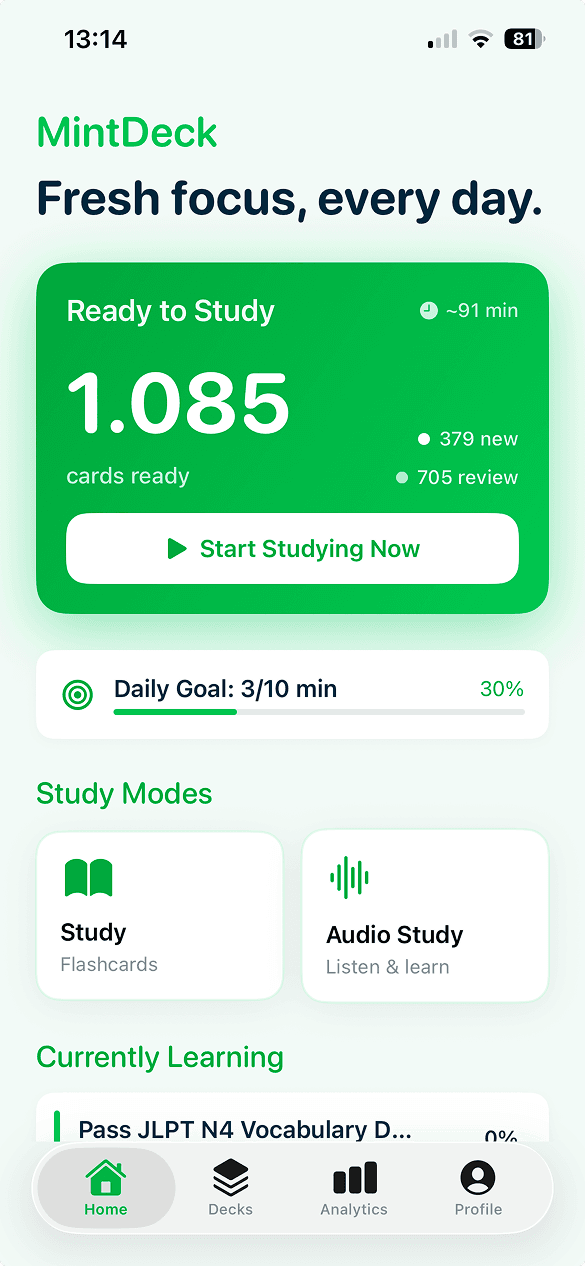
MintDeck uses the FSRS spaced-repetition algorithm to show you each card right before you forget it. Study hands-free with audio mode, import your Anki decks, or let AI build cards for you.

Available on iPhone and iPad. No account required to start studying.
Studying Shouldn't Be This Frustrating
You know the feeling. You spend hours reading notes, only to blank on test day. And the tools that promise to help? They're either stuck in 2005 or want $60 a year for basic features.
Quizlet Locked You Out
Quizlet just locked Learn Mode and Practice Tests behind a paywall. You shouldn't have to pay $60/year for spaced repetition that used to be free.
Tools That Feel Outdated
Powerful apps exist, but their interfaces feel like they haven't been updated in 20 years. You shouldn't need a tutorial to make a flashcard.
Re-reading Doesn't Work
Highlighting and re-reading feel productive, but research shows they barely help with long-term retention. You need a method that's backed by science.
That's exactly why we built MintDeck.
Everything You Need to Learn Effectively
Backed by cognitive science and built for real learners. No bloat, no paywalls — just the tools that actually help you retain more.
FSRS Spaced Repetition
The latest advancement in memory science. FSRS analyzes your performance and shows each card at the perfect moment — right before you'd forget it.
- Adapts to your unique memory patterns
- Optimizes review intervals automatically
- Reduces study time while improving retention
Hands-Free Audio Study
Learn completely hands-free with native-quality text-to-speech. Perfect for commutes, workouts, or anytime you can't look at a screen.
- On-device TTS for English (privacy-first)
- Configurable playback speed and pauses
- Background playback support
Full Anki Compatibility
Switching from Anki? Bring everything with you — decks, scheduling data, and media. Export anytime so your data is never locked in.
- Import .apkg files with full scheduling
- CSV import and document scanner
- Export & share decks freely
Built-In Quizzes
Go beyond flashcard review. Generate quizzes from any deck with multiple question types and adaptive difficulty.
- Multiple choice, true/false, and typed answers
- Adaptive difficulty based on performance
- Detailed results and analytics
Supercharge with AI
Need more power? AI features are available with credits—pay only for what you use, no subscription required.
AI Deck Generation
Describe any topic and instantly generate a complete study deck with relevant cards.
Content-to-Deck
Transform any source material—notes, articles, textbooks—into structured flashcards.
Image Generation
Add custom AI-generated visuals to enhance learning and boost retention.
Premium TTS Voices
Access additional high-quality voices for multi-language audio study sessions.
Mnemonic Suggestions
Get AI-generated memory aids tailor-fit to each card for easier recall.
PDF Processing
Extract and structure content from PDFs for advanced flashcard creation.
Loved by Learners
“Fast, modern and accurate. Can import Anki decks with media and progress or via CSV, as well as created them manually or via the help of AI. The developer is super nice and responsive!”
MDphotography
“Great for studying on our own terms. Many functions that can't be found in most flashcard app.”
justsomeone28908
“This app is amazing for revising. You can make multiple sets with multiple cards in each. There are no ads to bother you, and the only things you have to pay for are some AI features, which aren't really needed.”
usixucgqnid
Always Free, AI When You Need It
MintDeck is completely free with all core features. No subscription, no ads, no hidden costs.
Free Study
Everything you need to master any subject
AI Credits
OptionalUnlock AI-powered deck generation, image creation, premium voices, and more.
Build Your First Deck in Under 2 Minutes
Download MintDeck and start studying tonight — or try the AI generator right in your browser and import the cards when you're ready.